War Thunder Aimbot
Aimbot Options
Thirteen aimbot options from the listing: enable, keybinds, type, target position, prediction, visibility check, FOV drawing, smoothness, and max distance. No accuracy or hit-rate claims.
- Enable turns the aimbot feature on or off.
- First Keybind and Second Keybind are configurable activation keys.
- Type, Target Position, Prediction, Visibility Check, FOV Size, Smoothness, and Max Distance are configuration values — not performance guarantees.
- Draw FOV Border, Draw FOV Background, and Draw FOV Target are visual indicators for the configured field of view.
列出的模块
- Enable
- Controls whether the aimbot feature is active.
- First Keybind
- Primary configurable activation key.
- Second Keybind
- Secondary configurable activation key.
- Type
- Aimbot operating-type selection.
- Target Position
- Target-position configuration.
- Prediction
- Prediction-related aiming configuration.
- Visibility Check
- Visibility-based targeting option.
- Draw FOV Border
- Displays the configured field-of-view boundary.
- Draw FOV Background
- Displays the configured field-of-view background.
- Draw FOV Target
- Shows the selected targeting indicator.
- FOV Size
- Adjusts the targeting field of view.
- Smoothness
- Controls aiming smoothness.
- Max Distance
- Sets a maximum targeting-distance value.
相关文章
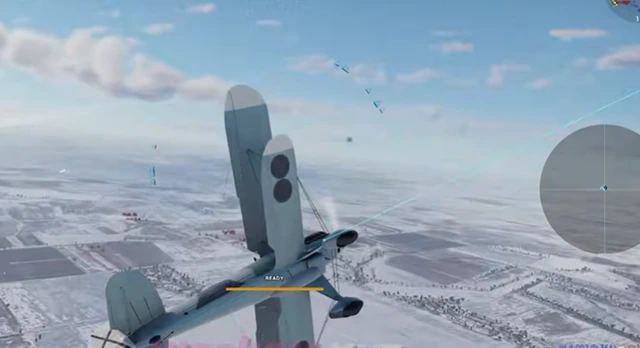
The 13 Aimbot Options on the listing, from Enable and keybinds through FOV drawing, smoothness, and max distance.
Prediction is a listed aiming configuration. Here is how to read the name without inventing ballistics performance.
Draw FOV Border, Draw FOV Background, Draw FOV Target, and FOV Size as listed visuals — not extra damage.